


Buying guide · Buying guides
How to Find the Right IMER Part Number for Your Machine
Find the correct IMER part number: what to read off the identification plate, how parts book drawings and reference numbers work, and what to send us.
IMER Parts USA teamParts specialists
Published 4 min read
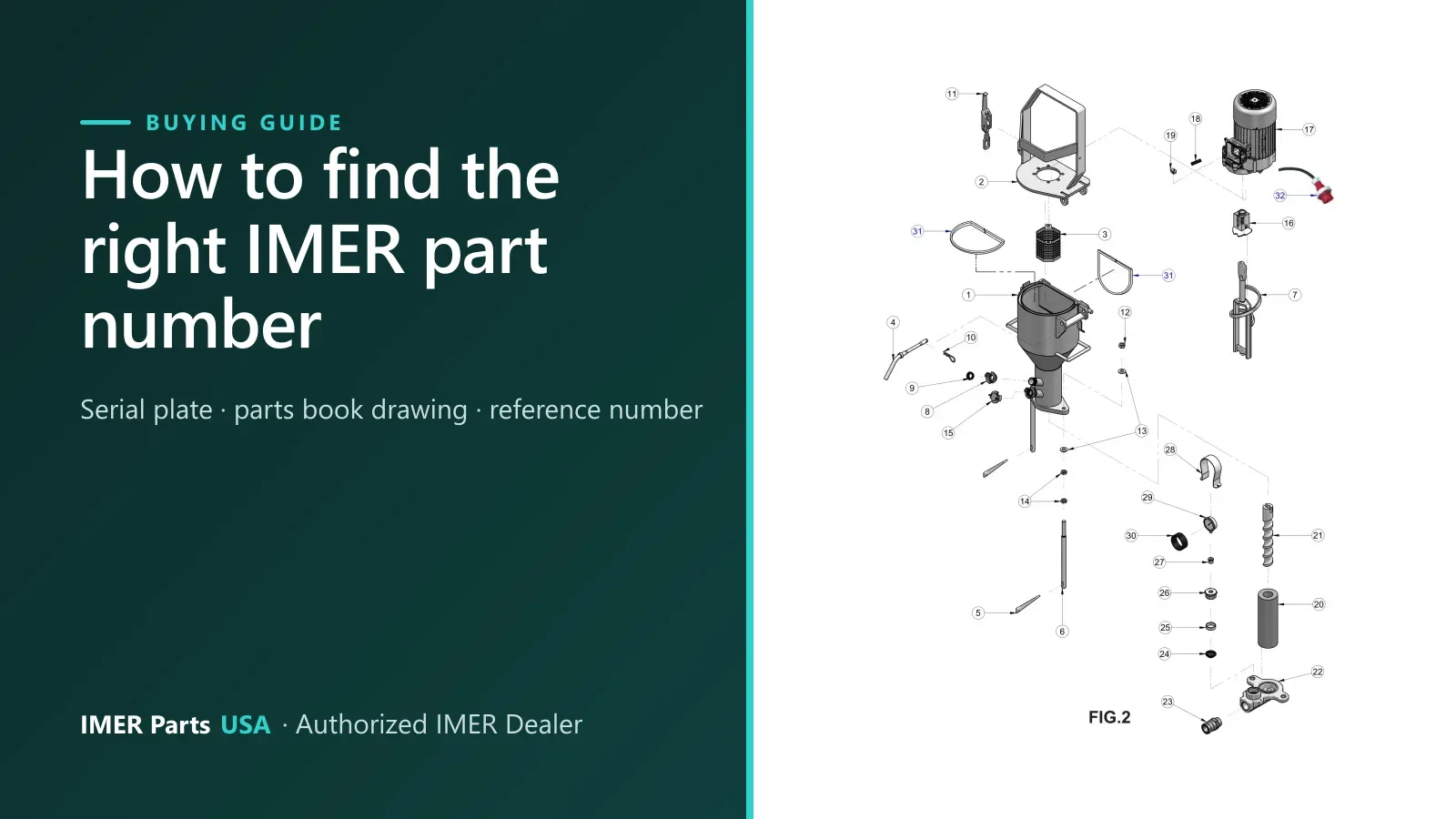
IMER parts are ordered by part number, and one wrong digit or one wrong version can mean the wrong part on your doorstep. This guide shows where the numbers come from and how to avoid the common mix-ups.
The short version: write down the model and serial number from the machine’s identification plate, find the part on the parts book drawing, and note its reference number and part number.
What IMER asks you to include in a parts order
IMER’s own manuals spell out what an order needs. In the Wheelman and Mix 60 Plus manuals, every spare part order must include:
- The type of machine (for example, “Wheelman concrete mixer”).
- The part number and the drawing reference of each part, from the parts list.
- The serial number and year of manufacture recorded on the machine’s identification plate.
The same logic works for any IMER machine. The Mix 750 manual even has a “Machine serial N°” line on its cover, so write the serial number in your manual once and you will have it every time you order.
Read the parts book drawing
A parts book has two halves for each assembly: an exploded drawing with numbered balloons, and a table that lists each number. The Step-Up 120 parts book, for example, heads its columns “Rif.” (reference), “Cod.” (part number), the description in five languages, and “Note”. The Mix 60 Plus book uses “RIF.”, “P.n.” and “Description”.
To find a part:
- Pick your model and open the drawing that shows the part.
- Find the part on the drawing and read its balloon (reference) number.
- Look that reference up in the table beside it to get the part number.
- Read the Note column before you order. This is where versions and serial ranges are printed.
Here is a working example from the Mix 750 parts book, drawing 1. Reference 42 on the drawing is “Vertical Rubber Outer Paddle”, part number 3211221:
Two things to know about the tables. The same part can appear on more than one reference, because it is used in several places on the machine. And a few fastener rows are printed with no reference number at all, so match those by description and size.
Version traps to watch for
The part number you want depends on which version of the machine you own. These examples come straight from IMER’s parts books.
| Machine | What differs | Example |
|---|---|---|
| Mix 360 | Drive type | Belt AX 63 (3228538) is listed on the 400 V electric motor drawing. Belt A 90 (3211710) is listed on the Honda or Hatz engine drawing. |
| Mix 750 | Drive type | The parts book has a separate motor assembly drawing (400 V, 60 Hz) and a Honda drive train drawing. |
| Koine 4 | Serial number | Two stator and rotor sets are listed, D.8-1.5 and D.6-3, and the serial ranges printed in the Note column overlap (1106004 to 1106005 appear in both). |
| Step-Up 120 | Serial number | The street version drawing prints “From serial F009441725” beside several parts, including the side impact bars. |
| Several | Similar numbers | Bearing 6008 appears as 2204504 on the Wheelman, Minuteman and Mix 60 Plus drawings, and as 2204505 on the Mix 120 Plus and Step-Up 120 gearbox drawings. |
The lesson is the same each time: match the number to your machine and drawing, and send the serial number when the Note column mentions one.
One number, many machines
The opposite also happens. The gearbox oil seal 3200094 (35x20x7) is listed in the Workman II 250, Mix 120 Plus, Step-Up 120 and Syntesi 190, 250, 300 and 350 EL gearbox drawings. The parts books show where a number is listed. They are not a promise that it fits your machine, so check it against your own drawing.
Specs change over time
Paperwork for the same model name can differ by date. IMER’s 2018 Mix 750 manual lists a 27 cu ft drum and an 11 hp gas engine, and says specifications are subject to change without notice. IMER’s 2024 Mix 750 product sheet lists a 22 cu ft drum and a 13 hp Honda GX. When the details matter, the serial number is what settles it.
Similar names, different machines
Check the full model name, not just the number. The Mix 750 is a mortar mixer. The Masonry 750 Plus is a masonry saw that takes a 750 mm (30 in) diamond disc. The site also lists the Mix 360 and the Mix 360 Plus as separate models.
What to send the parts counter
If you cannot find the part, send:
- the model name and the serial number from the identification plate (plus the year if it is printed);
- the part number and drawing reference, if you have them;
- a photo of the part and, if you can, of the plate;
- a line on what is wrong with the old part.
The easiest route is the fit check. Send the model and serial number and, if you have one, a photo. A parts specialist checks the part against the IMER parts book before it ships. You can also browse the parts drawings yourself, or contact the parts counter.
Parts for this job
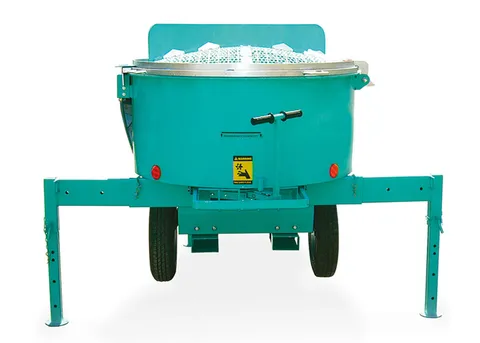
These are the examples used in this guide. They show how numbers differ by version, so confirm yours against your own drawing before ordering.
Taggedfit checkhow to orderIMER part numberparts bookserial number
5 parts
Parts in this guide
Machines in this guide
Keep reading
Related guides
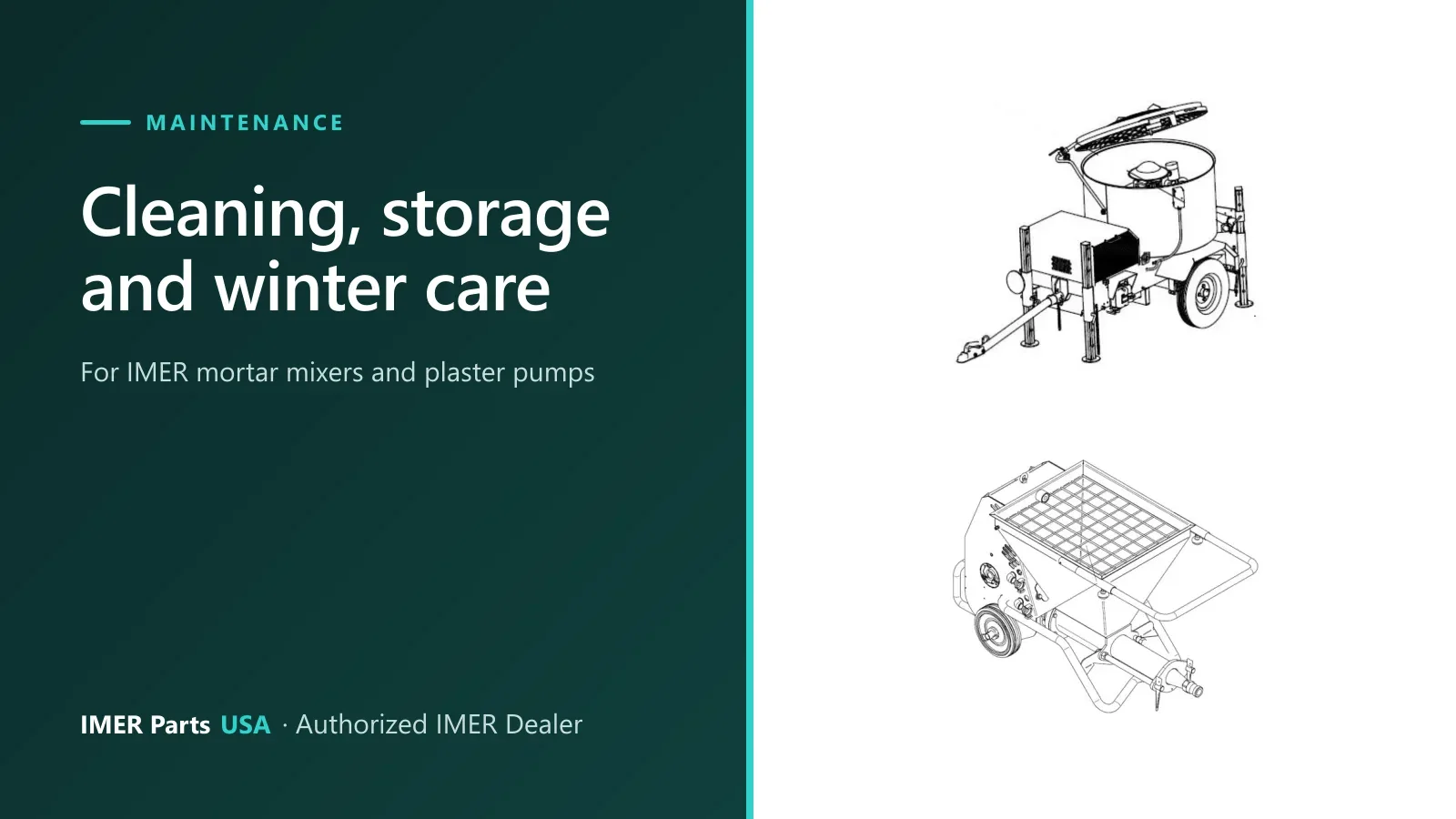
Maintenance
IMER Mixer and Pump Cleaning, Storage and Winter Care
End-of-shift cleaning, freeze draining and storage steps from the IMER manuals for the Mix 750, Mix 120 Plus, Step-Up 120, Small 50, Koine 4 and more.
5 min read
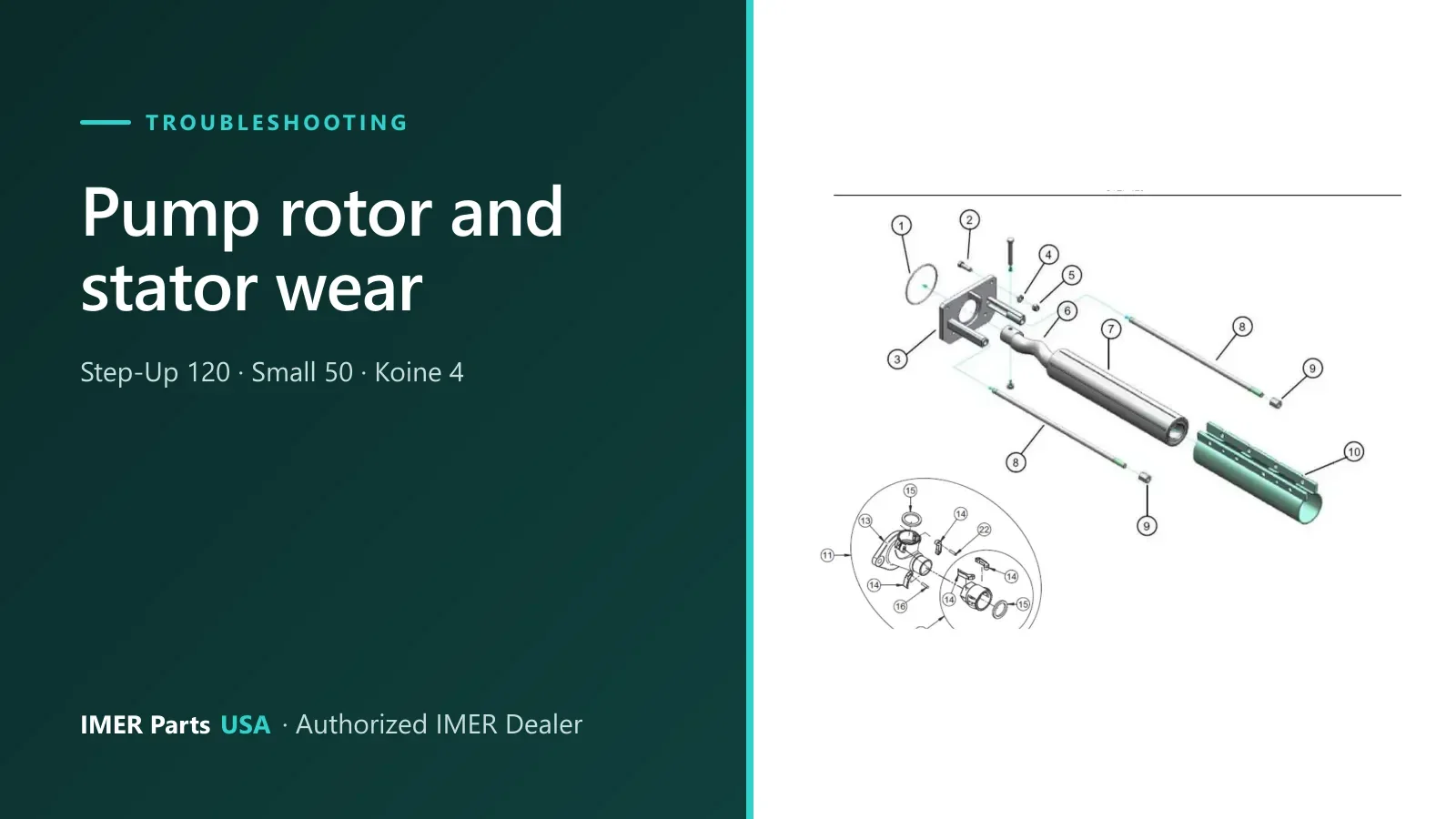
Troubleshooting
IMER Pump Rotor and Stator Wear: Signs, Checks, Parts
Falling material flow or a BLOC message on an IMER Step-Up 120, Small 50 or Koine 4? What the manuals say to check, how to swap the pump, and the parts listed.
4 min read
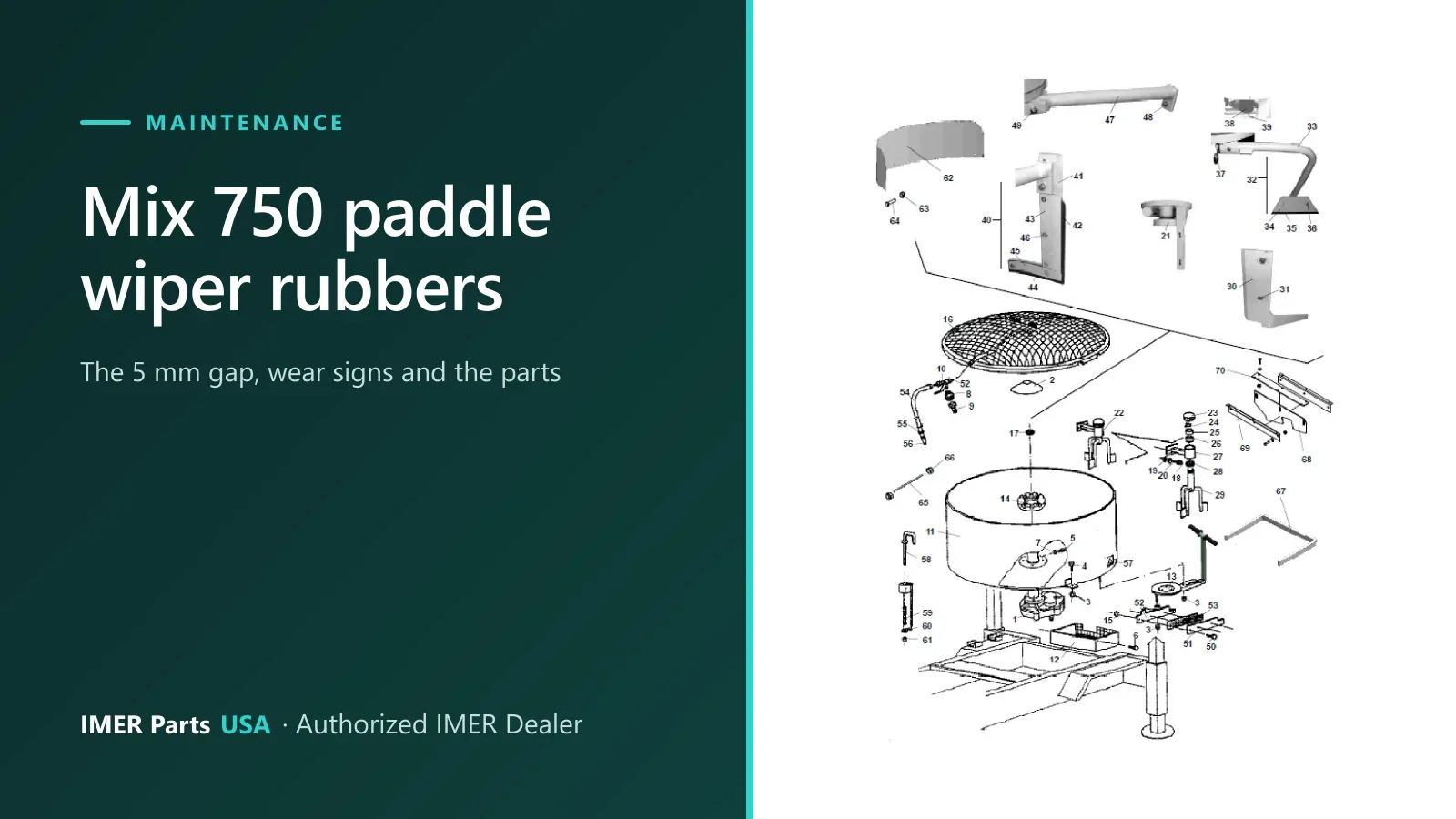
Maintenance
IMER Mix 750 Paddle Wiper Rubbers: 5 mm Gap, Wear, Parts
IMER sets the Mix 750 paddle wiper rubbers 5 mm from the drum. Learn the wear signs, what the manual says to check, and the rubber parts in the parts book.
5 min read
Certified IMER Dealer
Not sure which part you need?
Send the machine model and serial number and a parts specialist gets back to you.